
Lösung: JS interagiert mit HTML (Animation der Seite)
Completion requirements
HTML-Datei index.html
<!doctype html>
	<head>
		<title>JavaScript Animation</title>
		<link href="css/style.css" rel="stylesheet" type="text/css" />
		<script src="js/index.js"></script>
	</head>
	<body>
		<div id="box"></div>
		<button onclick="changeColor()">Red</button>
	</body>
</html>
CSS-Datei style.css
#box {
	width: 100px;
	height: 100px;
	background: blue;
}
JavaScript-Datei index.js
function changeColor() {
document.getElementById('box').style.background = 'red';
}
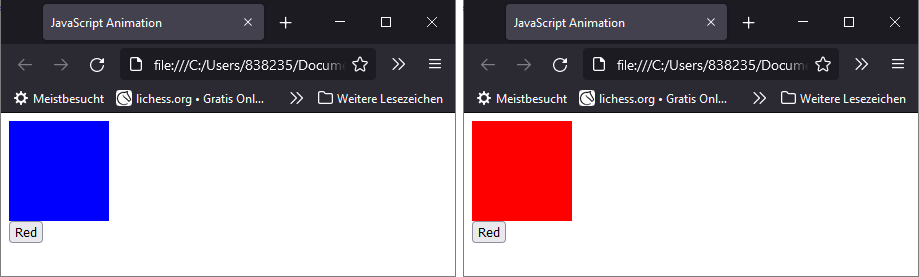
Vor und nach dem Klick
Dateien der Beispiellösung
https://moodle.eick-at.de/pluginfile.php/1311/mod_page/content/6/JS-Animation.zip
Last modified: Thursday, 8 September 2022, 11:04 PM