
First program "Hello world"
Completion requirements
For a quick start and to get to know the integrated development environment (IDE), developers traditionally program the output of "hello world" at the beginning:
- Start Python IDLE (Integrated Development and Learning Environment has been included with the installer for the Python programming language)
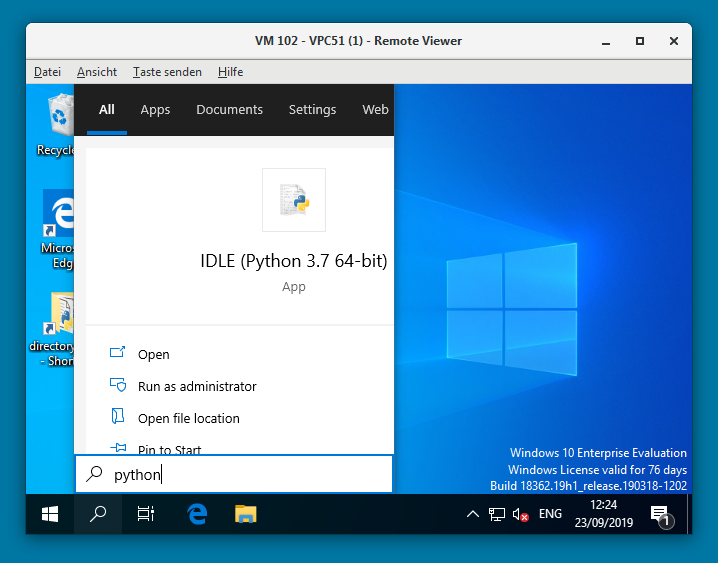
- The Python Shell is opened now.
Simply type the instruction
print("Hello world!")The output is
Hello world!
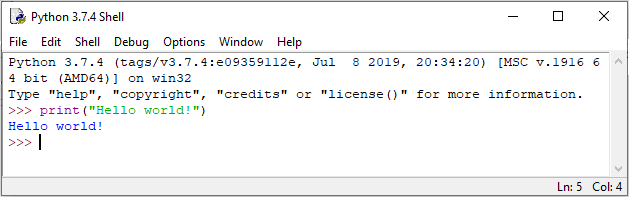
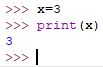 As you can see you can program directly in the shell. Even things like the deklaration and initialisation of variables are possible.
However, all values are only valid temporarily and are lost when the shell is closed. Therefore longer programs are stored in files. - Create a new file (File > New File) and edit the same instruction:
print("Hello world!")Save the file with extension.pyand run the program (Run > Run Module).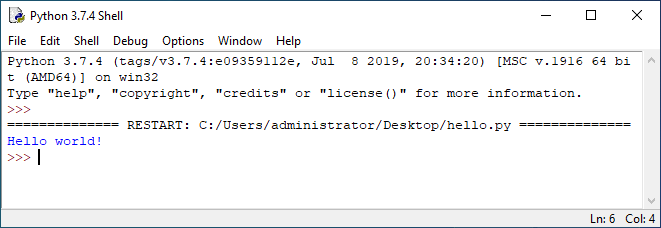
Output of program python.py
Last modified: Wednesday, 2 October 2019, 3:21 PM